Automated piping isometrics
Stop redrawing
your isometrics.
Cadmium takes your 3D piping model to a finished, annotated isometric on your template, in seconds.
The problem
Isometric generation is costing you.
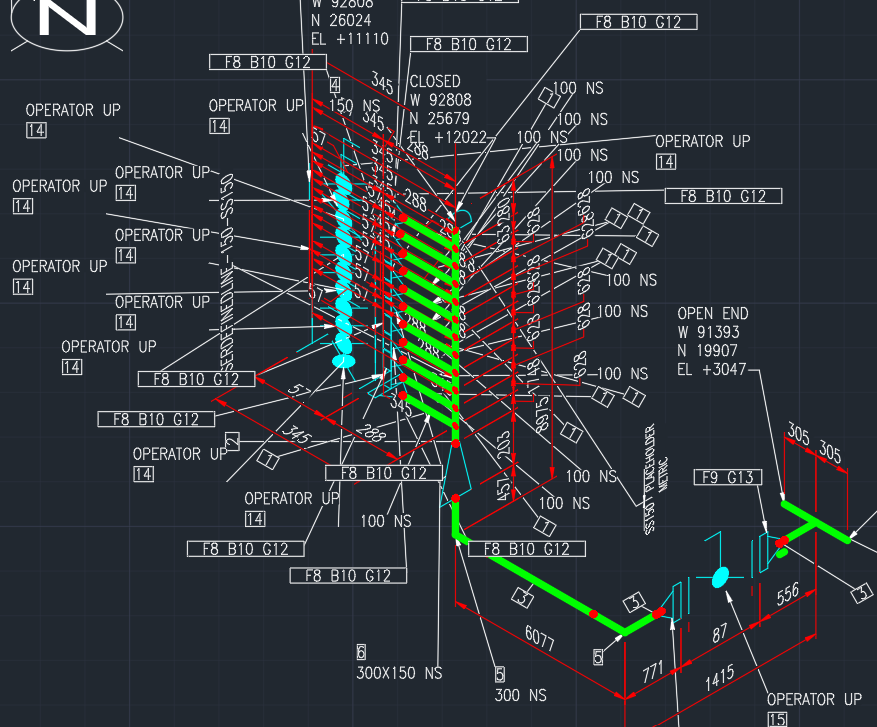
Your project requires hundreds of isometrics, and you spend hours of draftsman time on each one — cleaning up the cluttered, bloated mess that comes out of AutoCAD.
- Components colliding with each other.
- Annotations overlapping each other.
- Criss-crossing labels.
- Unwanted information everywhere.
- Completely illegible.
Comparison
The same lines, drawn both ways.
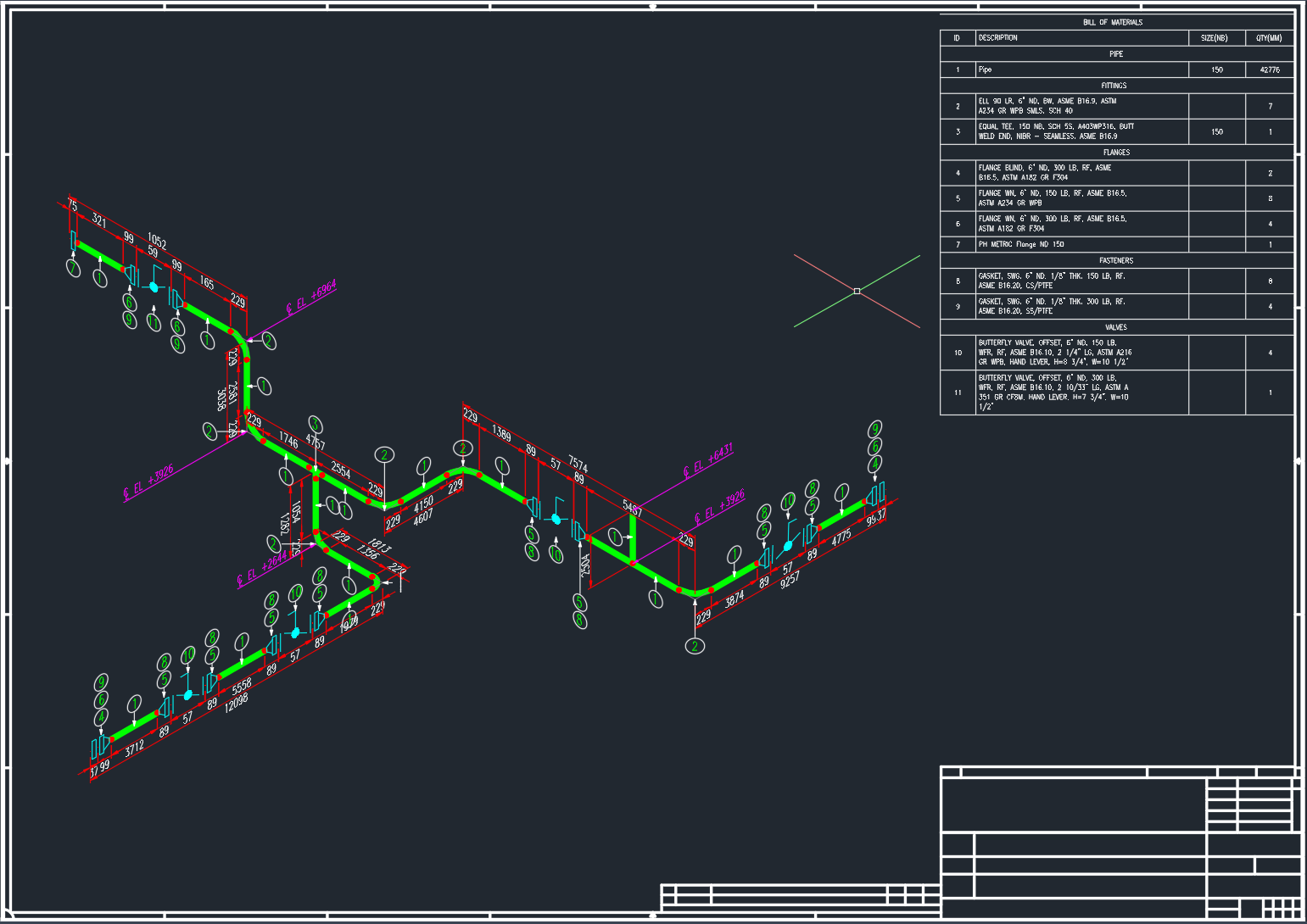
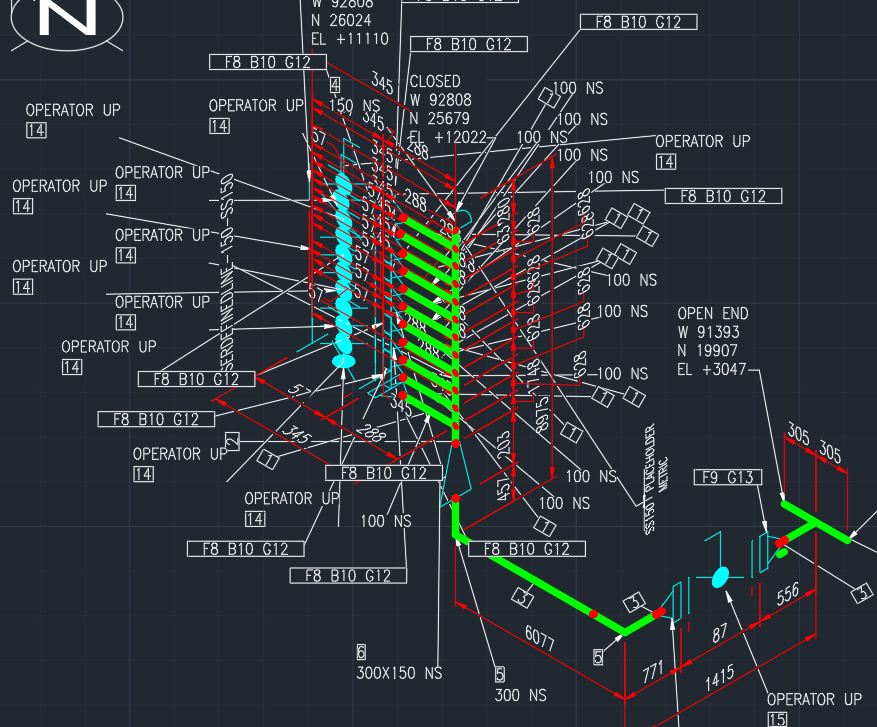
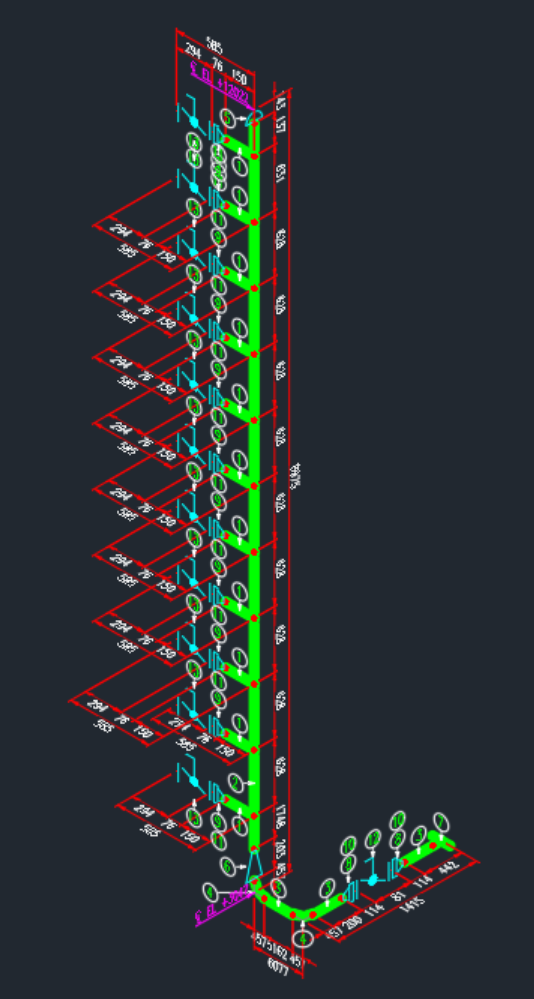
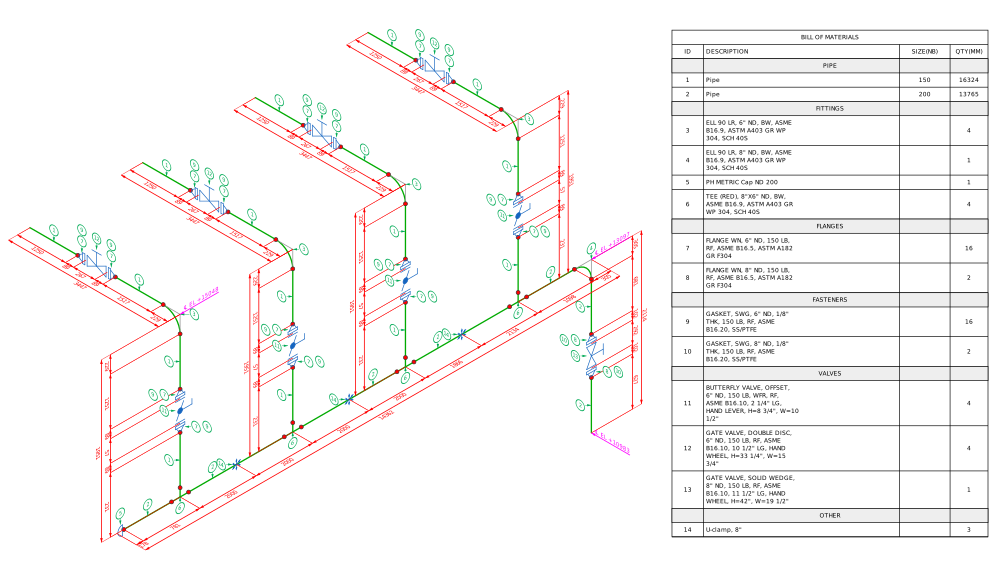
Four production lines. On the left, what AutoCAD produces. On the right, what Cadmium produces from the identical model. Click any drawing to enlarge.
How it works
Export, upload, download.
Nothing changes about how you model.
Your 3D model
The Plant 3D piping model exactly as you already have it.
One command
Our AutoCAD plugin, CADMIUMEXPORT, writes an export folder next to your drawing containing export.dxf and export.iges.
Drop the pair
Cadmium reads the exported files, projects the run to 2D and places every annotation.
The sheet
An annotated isometric DXF on an A2 sheet or your own title block — native CAD entities, fully editable.
The whole job, start to finish
 Cadmium
AD
Cadmium
AD
Projects / Project 2 / Isometric 8
Isometric 8
Upload the export pair, then generate the annotated isometric.
- Load
- Generating Isometric
- Annotating Isometric
- Export
The 3D model
The model and the sheet,
anywhere, any time.
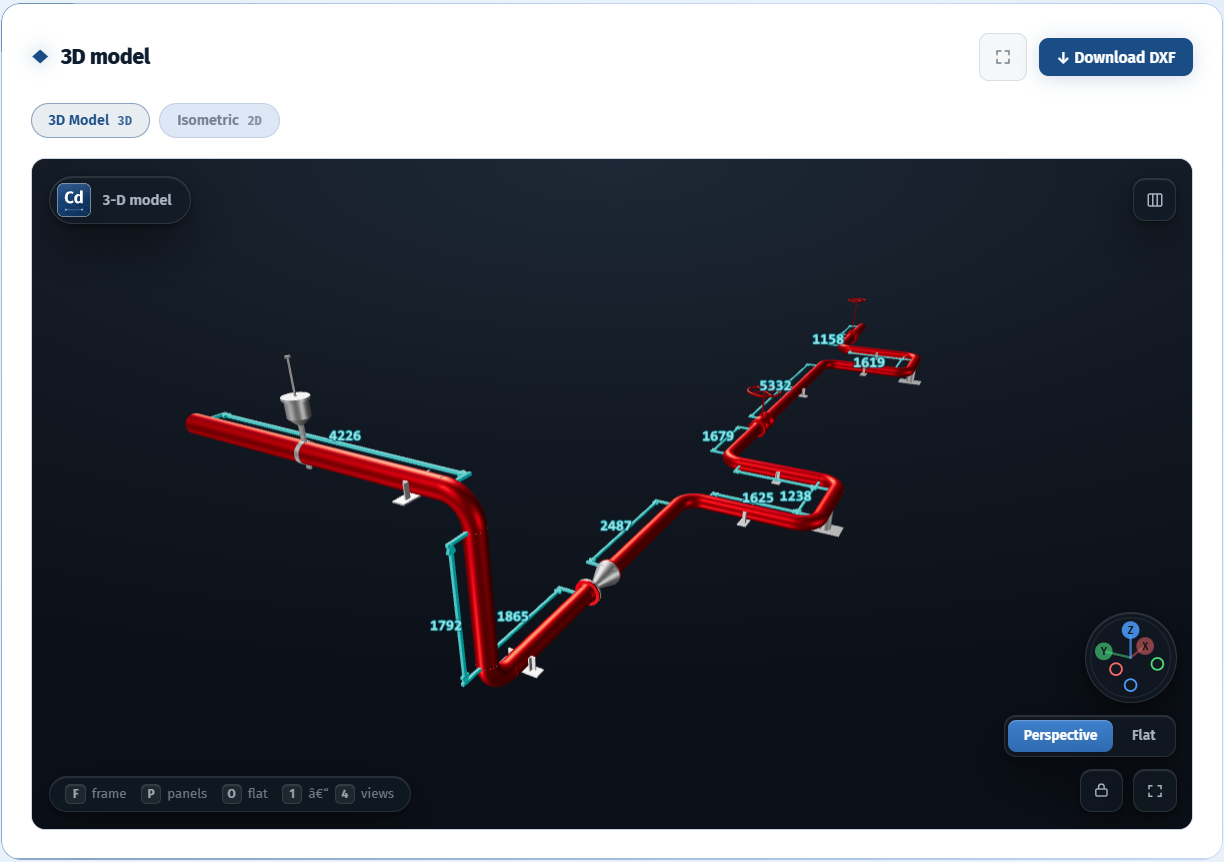
Every drawing keeps its 3D model beside the generated isometric. View it anywhere, anytime without having an AutoCAD license or a viewer installed.
The arithmetic
The numbers speak for themselves.
See how much your team gets back every month.
The ask
Send us your model today.
We’ll send back the iso.
Send us a Plant 3D model and we will send back the finished, annotated isometric DXF.